Your AI tutor for any page
Genie Tutor
A Chrome extension that teaches you the page you are already reading. It explains the page's ideas one at a time, asks you to work each one out, checks your answer against the page, and adapts to what you say. Quizzes and flashcards are there for practice. Nothing to copy into another app.
You bring your own AI connection. Genie Tutor has no account of its own and runs no server that receives your page content.
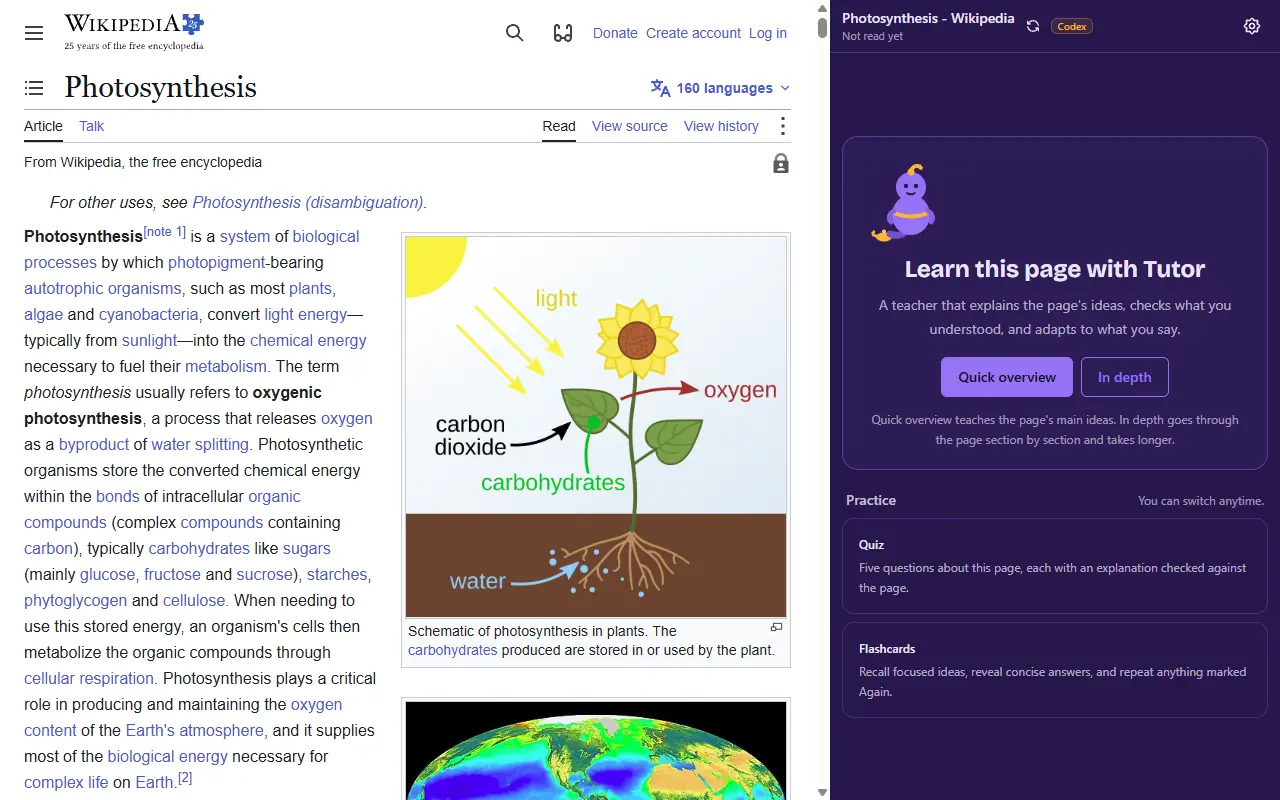
How it works
Genie Tutor reads a page only when you ask it to, and only the page you asked about.
-
Open the page you want to learn
Any standard HTTP or HTTPS page: an article, a chapter, a reference page, a lesson.
-
Click the toolbar icon
That click gives the extension temporary access to this one page and opens the side panel next to it.
-
Start a lesson, or practice
Choose a quick overview or an in-depth lesson, or practice with a quiz or flashcards. The extension reads the page after you choose and accept the first-use notice.
Tutor
One idea at a timeA lesson planned from the page's own ideas. Tutor explains each idea in plain words, then asks a question the page's reasoning decides. Ask for a hint or a question of your own at any point. Your answer is checked against the page; whatever you missed is explained again, and the next idea starts on its own.
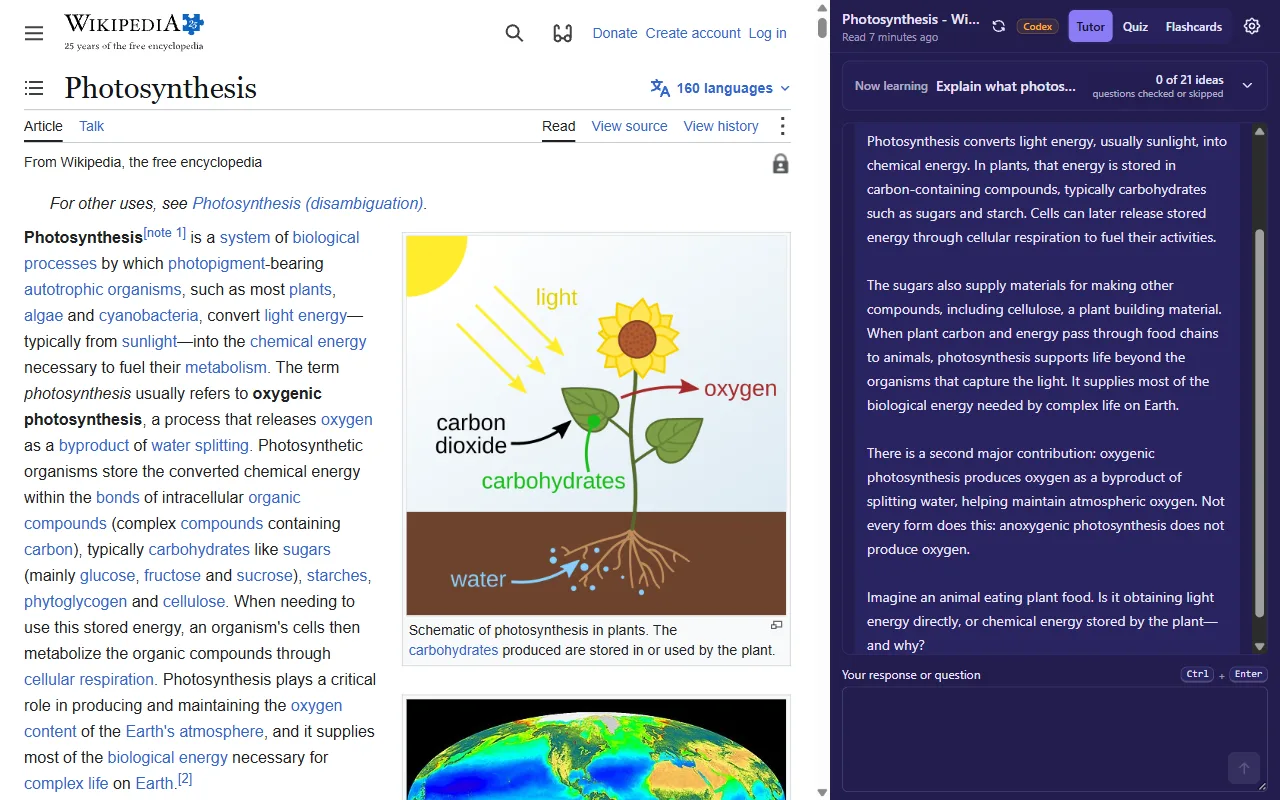
From this run
- Tutor asks
- Imagine an animal eating plant food. Is it obtaining light energy directly, or chemical energy stored by the plant, and why?
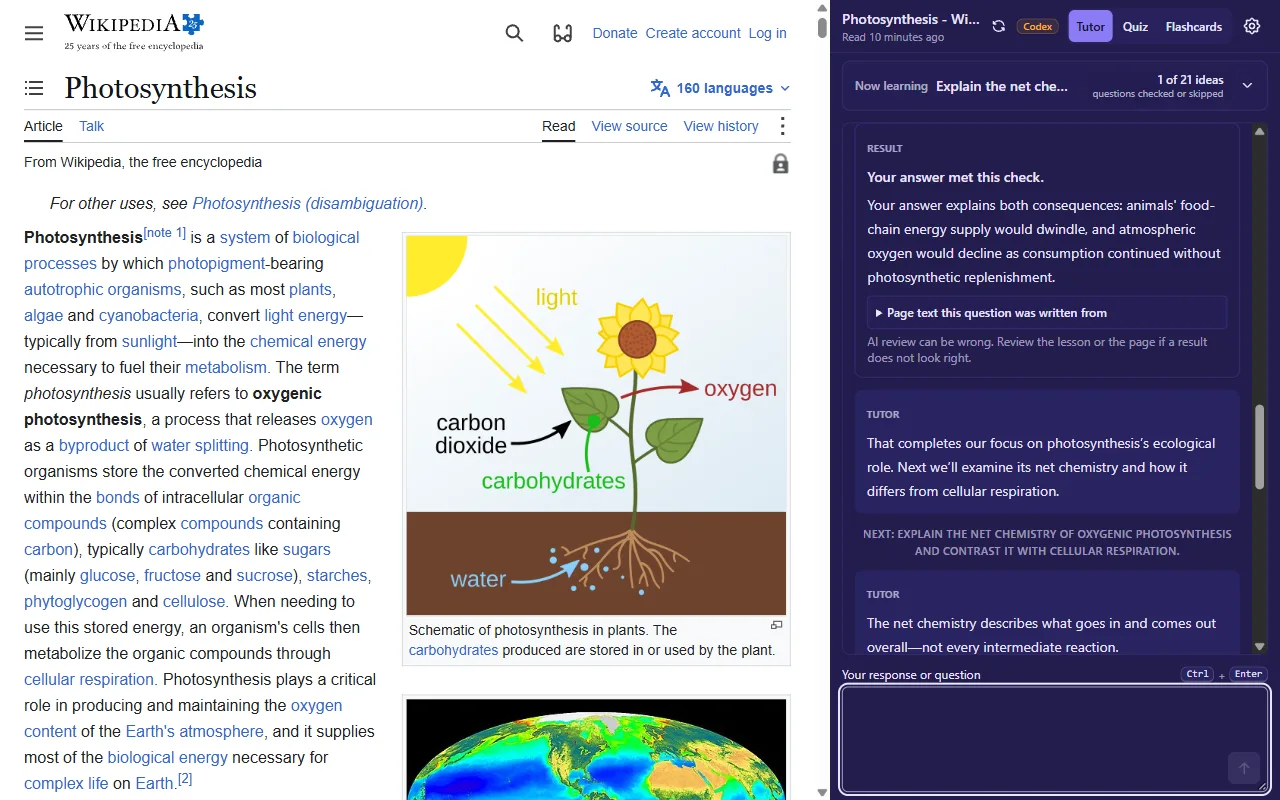
From this run
- Result
- Your answer met this check. Your answer explains both consequences: animals' food-chain energy supply would dwindle, and atmospheric oxygen would decline as consumption continued without photosynthetic replenishment.
Quiz
Five questionsFive varied questions about the page's important ideas. Later rounds test different knowledge instead of rewording the first five, and if the page holds fewer important ideas than that, it says so rather than padding with trivia.
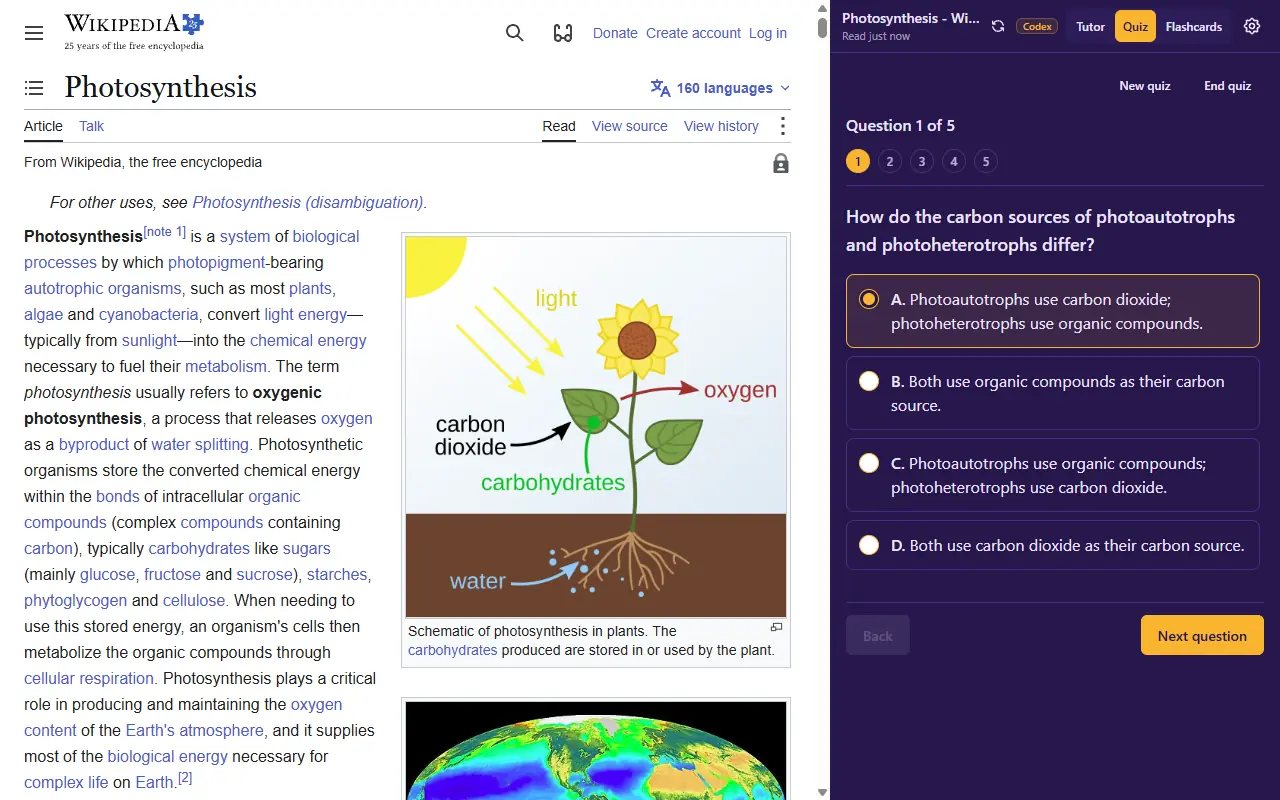
From this run
- Question
- How do the carbon sources of photoautotrophs and photoheterotrophs differ?
- Choices
- A. Photoautotrophs use carbon dioxide; photoheterotrophs use organic compounds. · B. Both use organic compounds as their carbon source. · C. Photoautotrophs use organic compounds; photoheterotrophs use carbon dioxide. · D. Both use carbon dioxide as their carbon source.
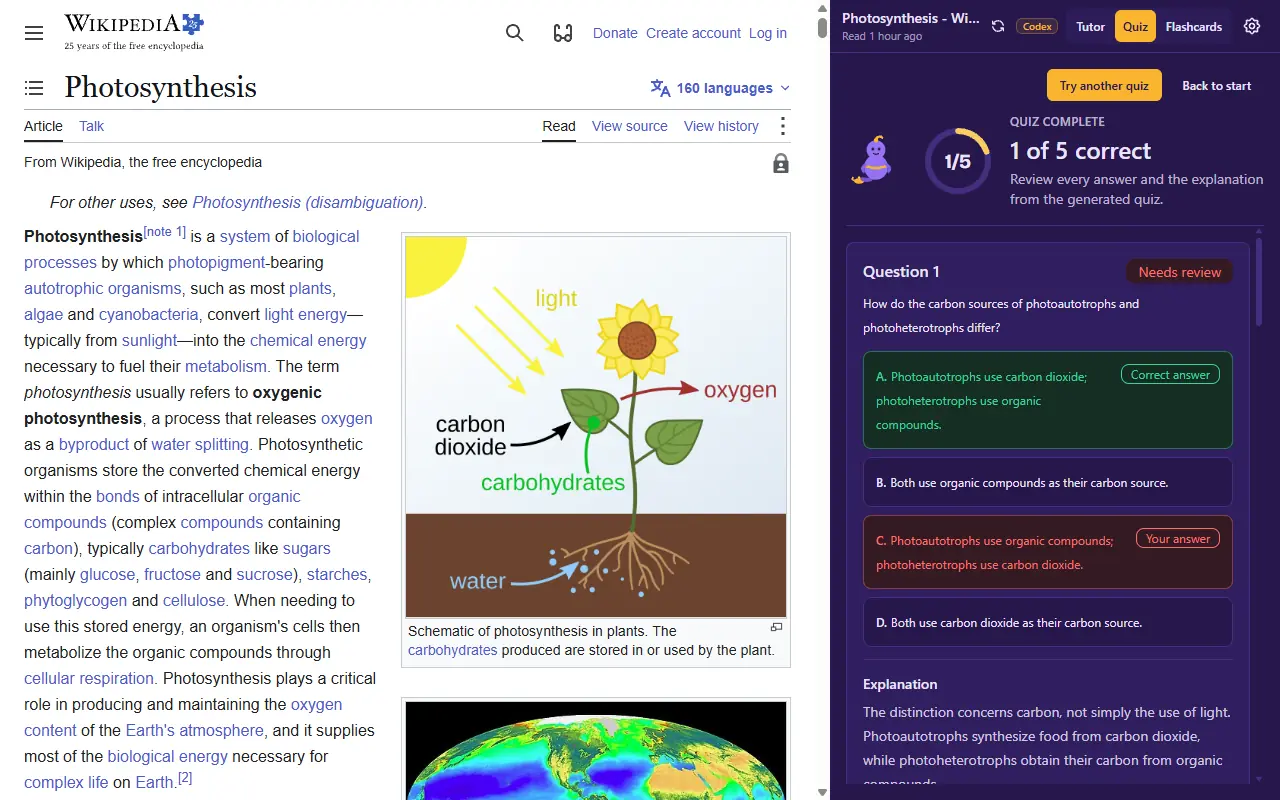
From this run
- Explanation
- The distinction concerns carbon, not simply the use of light. Photoautotrophs synthesize food from carbon dioxide, while photoheterotrophs obtain their carbon from organic compounds.
Flashcards
Ten at a timeRecall cards in the page's own order, ten to a sitting. Each card shows a concise answer reviewed against the page. Rate it Again or Got it, and the misses come back until they stick.
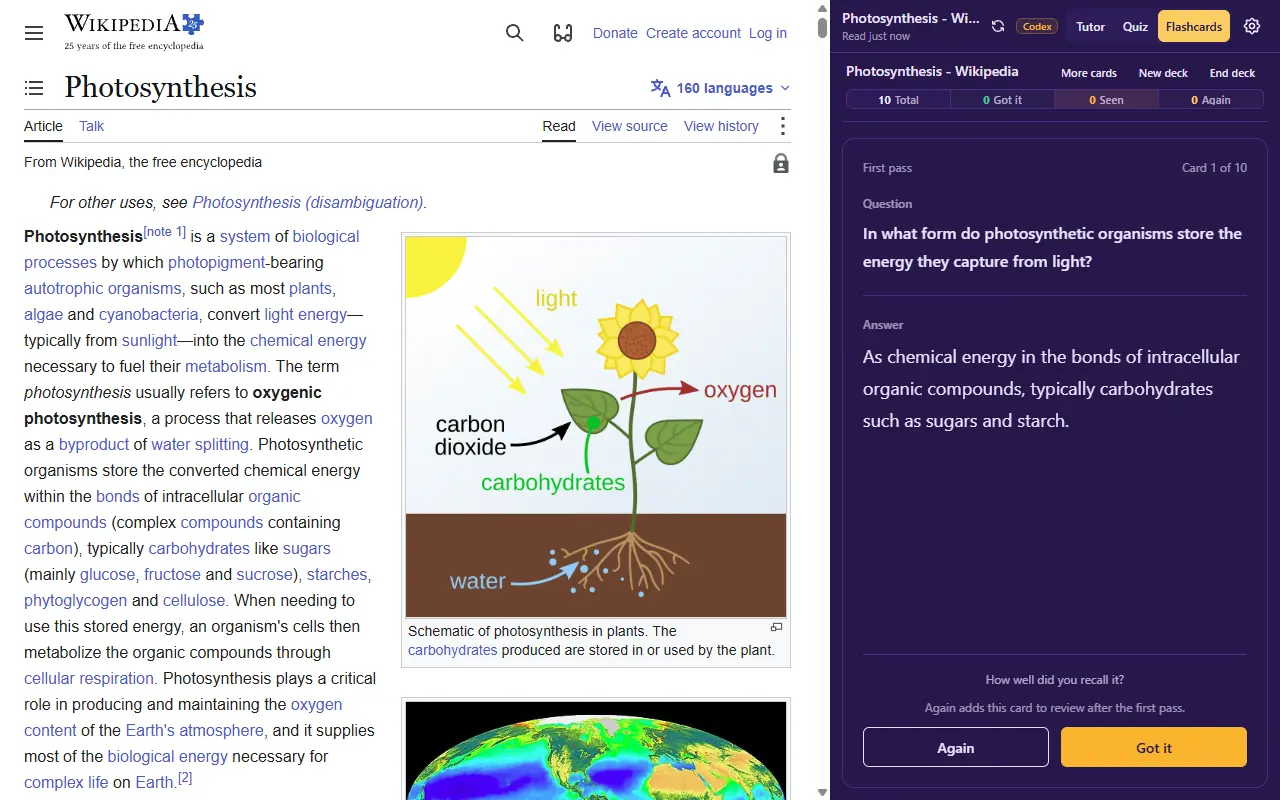
From this run
- Question
- In what form do photosynthetic organisms store the energy they capture from light?
- Answer
- As chemical energy in the bonds of intracellular organic compounds, typically carbohydrates such as sugars and starch.
Not only articles
Any readable pageGenie Tutor reads what is rendered on the page, so it has no list of supported sites. A shared ChatGPT conversation is just another page: the lesson and the quiz below were made from the chat beside them, with no site-specific handling and no sign-in to that site.
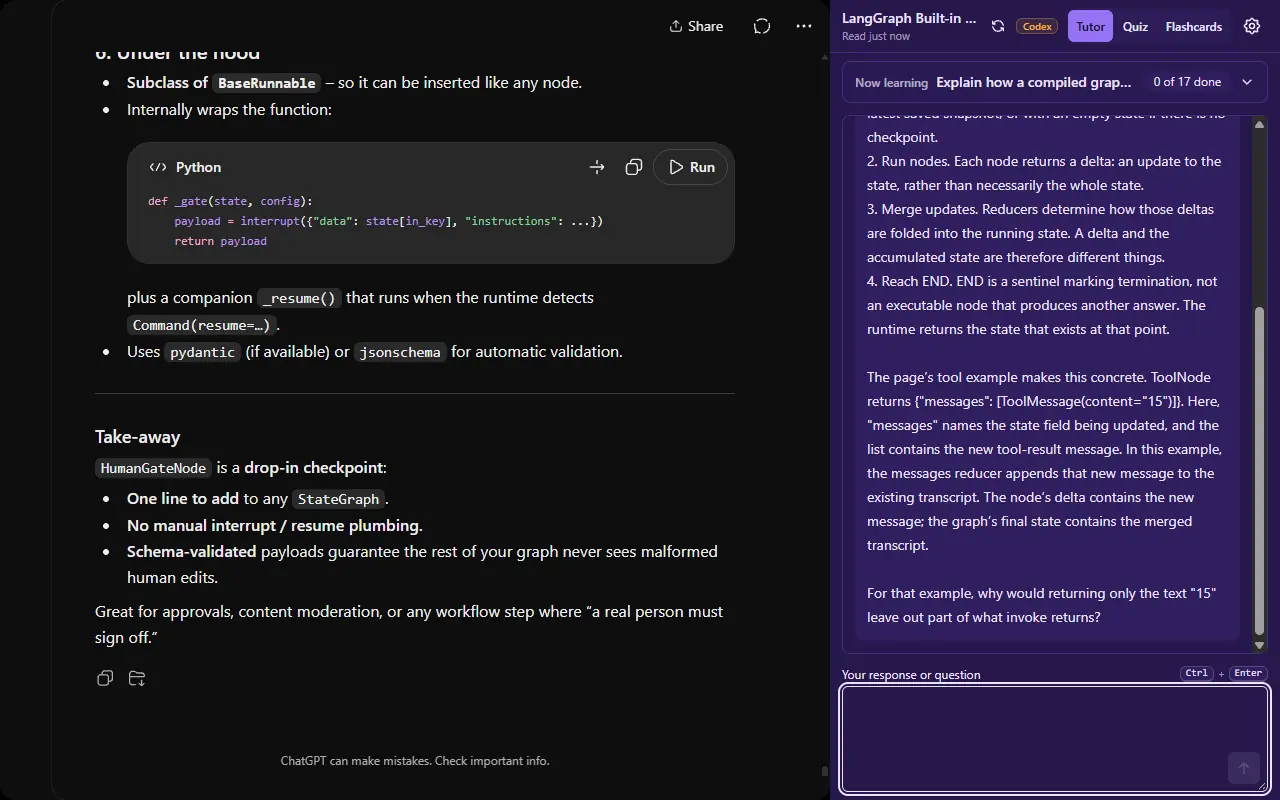
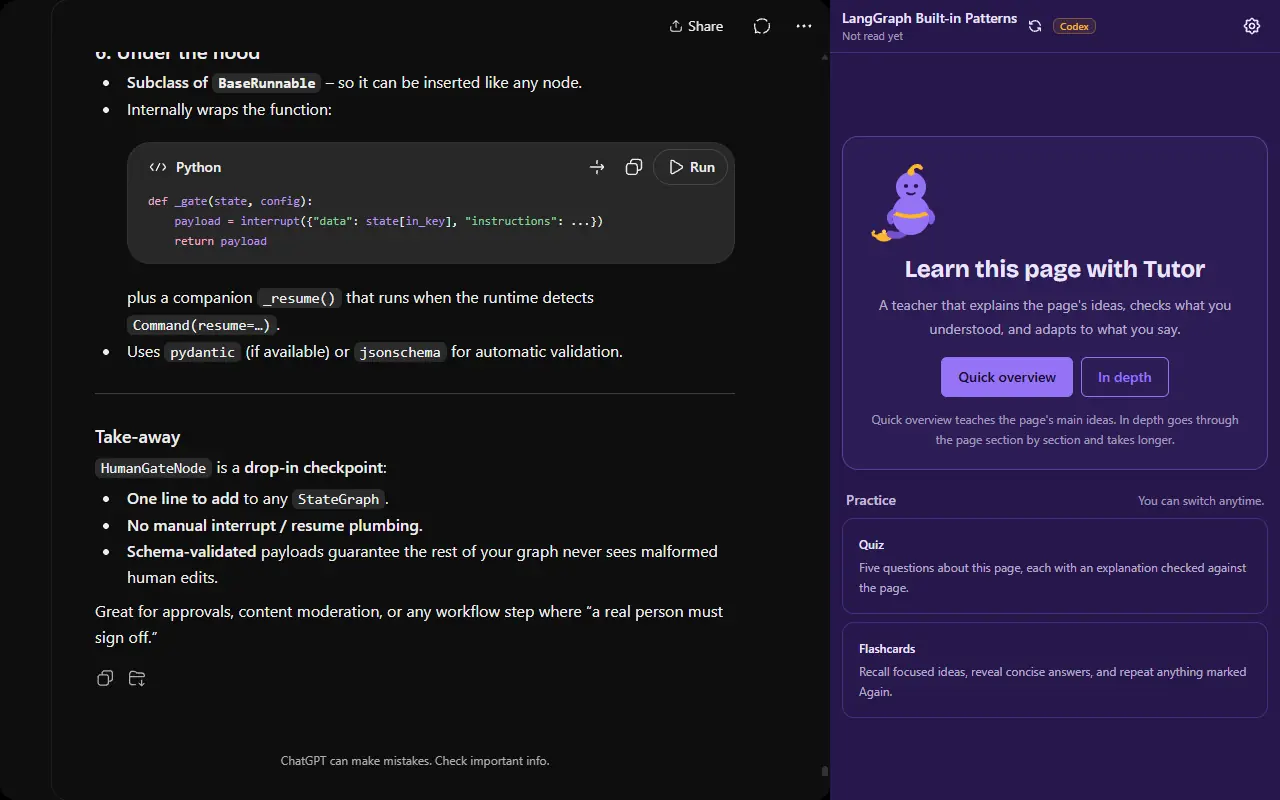
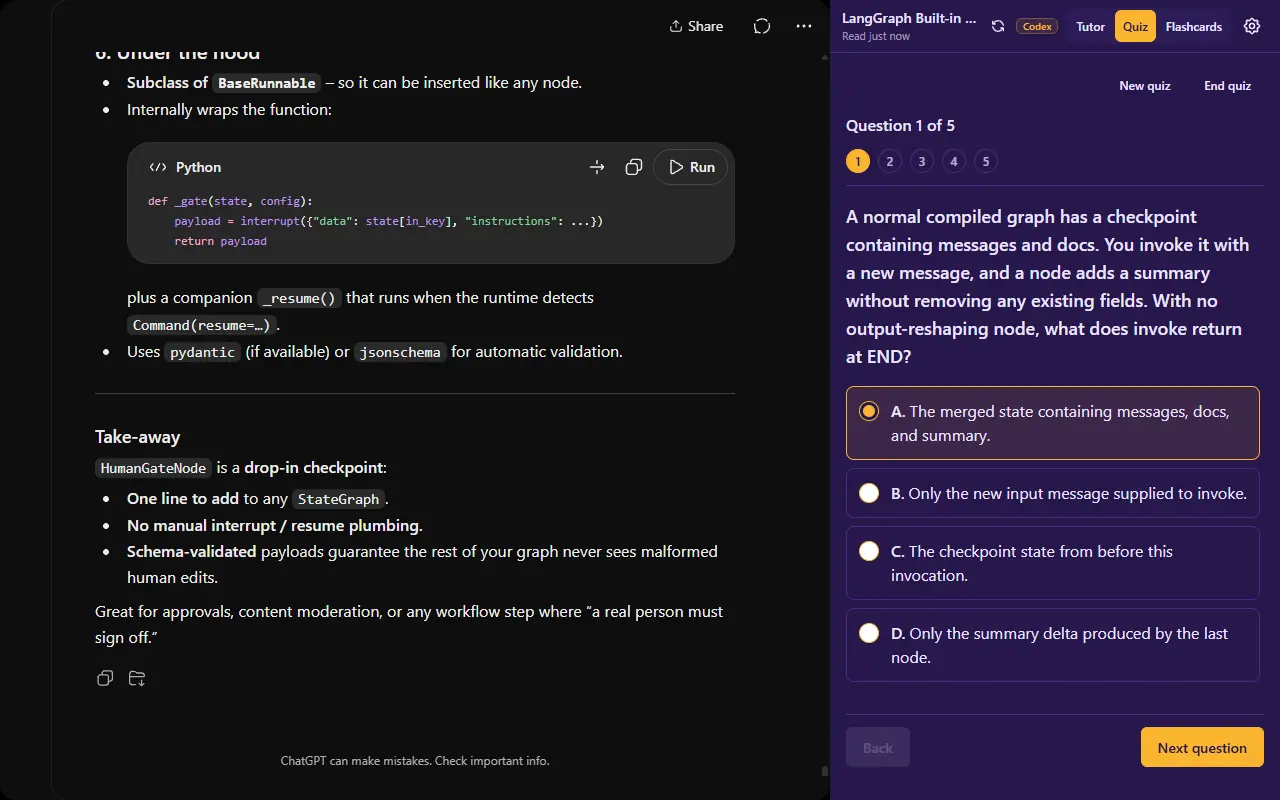
From this run
- Tutor asks
- For that example, why would returning only the text "15" leave out part of what invoke returns?
- Quiz question
- A normal compiled graph has a checkpoint containing messages and docs. You invoke it with a new message, and a node adds a summary without removing any existing fields. With no output-reshaping node, what does invoke return at END?
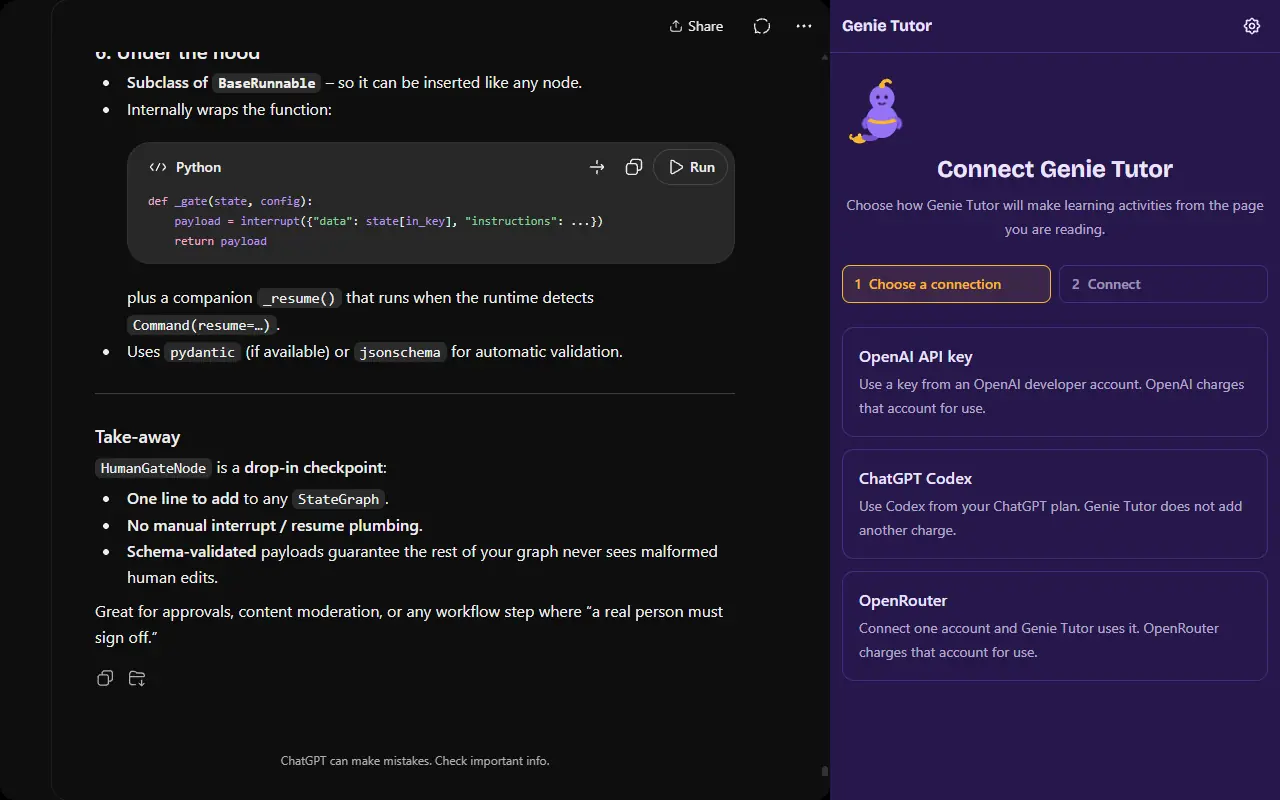
Bring your own AI connection
Genie Tutor sells no credit and resells no model access. You connect an AI account you already have, and that account is billed for what you use.
- OpenAI API key
- Save a project key in the panel's Options. The key stays in your browser's local extension storage and is used only to call OpenAI.
- ChatGPT Codex subscription
- Sign in with OpenAI device login in a small sign-in window. The credential is stored only in your Chrome profile.
- OpenRouter account
- Sign in to OpenRouter and the extension calls it with your own account key. OpenRouter bills that account.
Privacy you can check
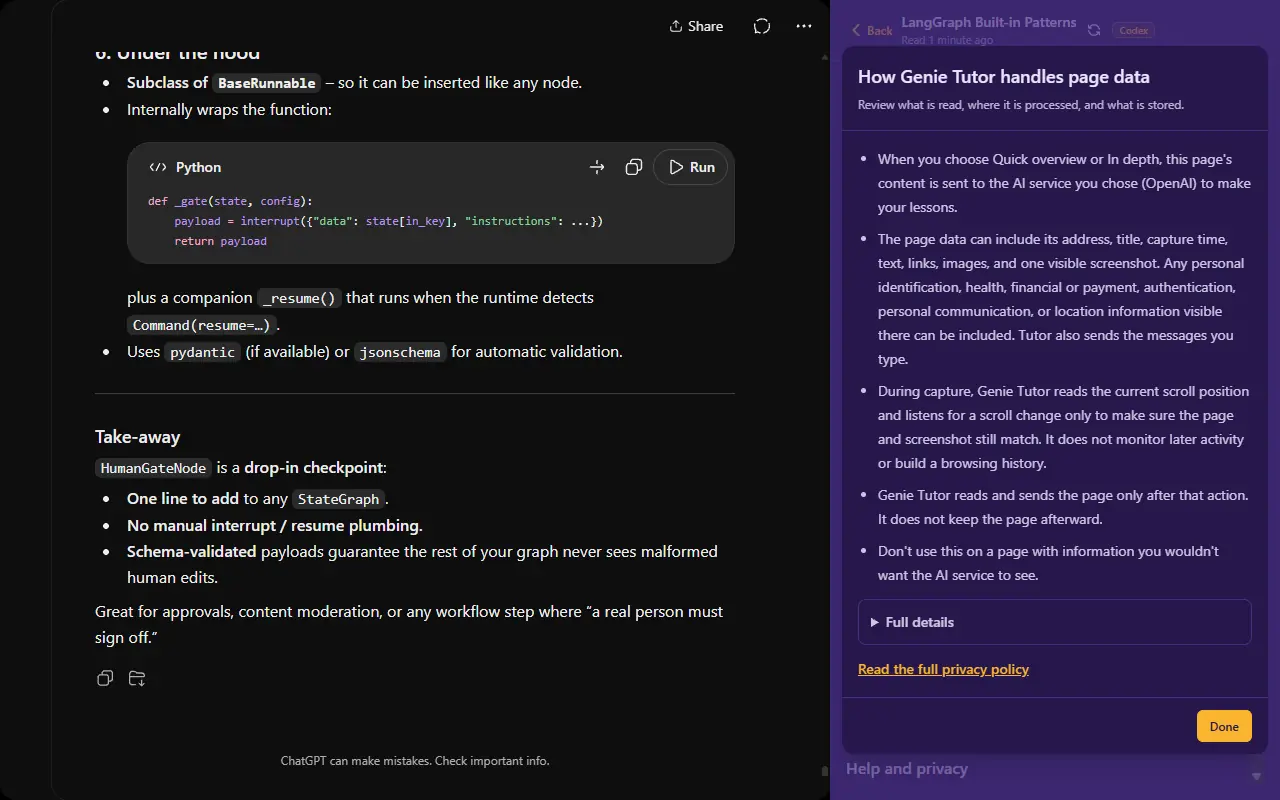
The extension sends page content directly to the AI provider you chose, authorized by your own credentials.
- No Genie Tutor server receives your prompts, responses, keys, or page content.
- No Genie Tutor account, and no Google sign-in, is ever requested.
- A page is read only after you click the toolbar icon, choose a lesson or practice, and accept the first-use notice.
- For a webpage, Tutor, Quiz, and Flashcards live in panel memory. Closing or reloading ends them; nothing is kept as a browsing history. A PDF you open is different: it and your progress are kept on your device until you delete them.
The full policy lists every kind of data handled, and what each provider does with it. Read the privacy policy.
Getting help
Something is not working
The support page covers the common fixes: page access, unsupported pages such as Chrome's own screens, and each connection's sign-in problems.
Open supportContact us
Still stuck? Email support with your extension version, the selected connection, the kind of page, and the exact error. Keep keys and page content out of the message.
Email support